


NightCafe Creator is more than just a tool. This is the center. A place where people who know nothing about neural networks collide with digital artists who strive for stable diffusion. The result is a surprisingly democratic space for creating artificial intelligence art. No gaming PC required. It does not need to be installed locally. All you need is a browser.
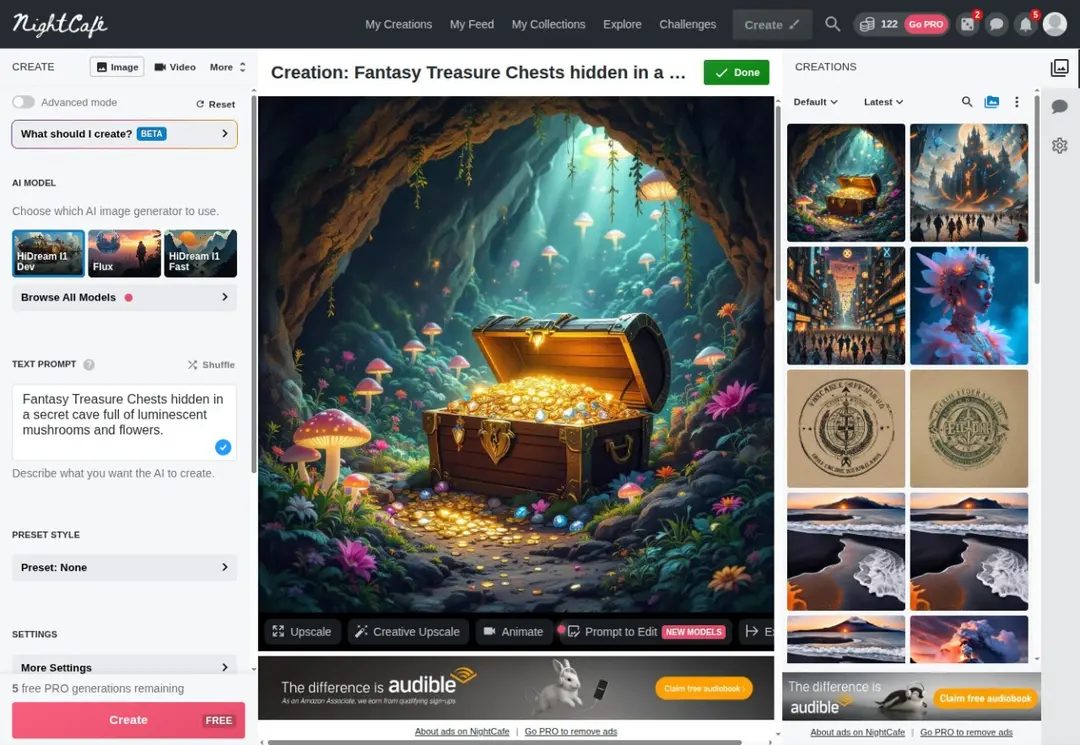
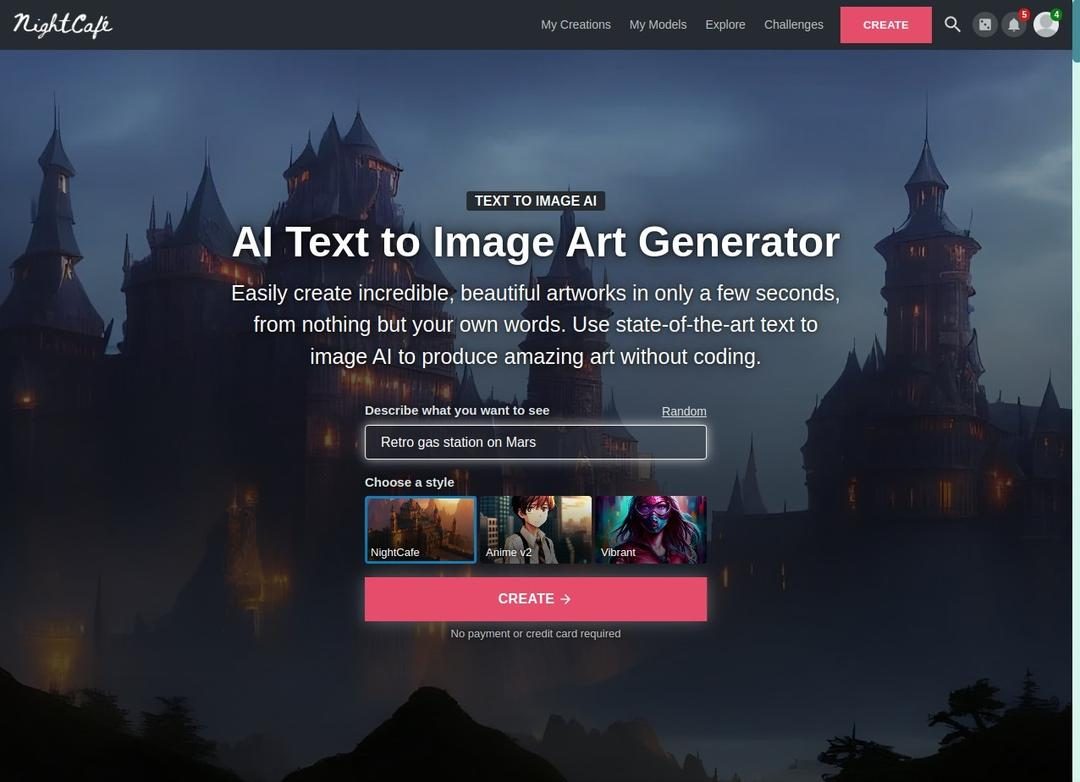
Platforms work because they remove friction. Most AI image generators require understanding complex parameters before producing a suitable output. NightCafe simplifies the process, but it doesn’t make it easy. Enter a text prompt. Choose a style. Or upload a photo as a base. Artificial intelligence does the heavy lifting for you. The AI will do the rest.
This is not a separate activity. There are challenges every day. collaborate. A feed where thousands of users share their creations. It’s less like using software and more like walking into a crowded art gallery where everyone is drawing in real time.
Why can’t I download NightCafe Creator?
If you are looking for installation files, this is the first thing you need to know. NightCafe Creator cannot be downloaded in the traditional sense. There is no .exe file for Windows. .dmg is not available on Mac. There is no APK for Android.
It is completely cloud based.
This is important. Change the way you use software. Processing takes place on the server, so local hardware specifications are irrelevant. You might be using a 5 year old laptop. Some of you may be using a smartphone. No calculations are made for the device, so the print quality remains constant.
The “Download” step refers to the web application. Available from Chrome, Firefox, Safari and Edge. The experience is consistent across all operating systems. Windows, macOS, Linux, iOS and Android all have the same user interface.
Some platforms allow you to save a website to your phone’s home screen as a “web app”. This mimics native applications. Allows quick access. However, this is just a browser window that works in a slightly different mode. Updates are done on the server side. You don’t need to click “Update”. The latest features are already available as soon as they are moved to the cloud.
How NightCafe Creator creates images
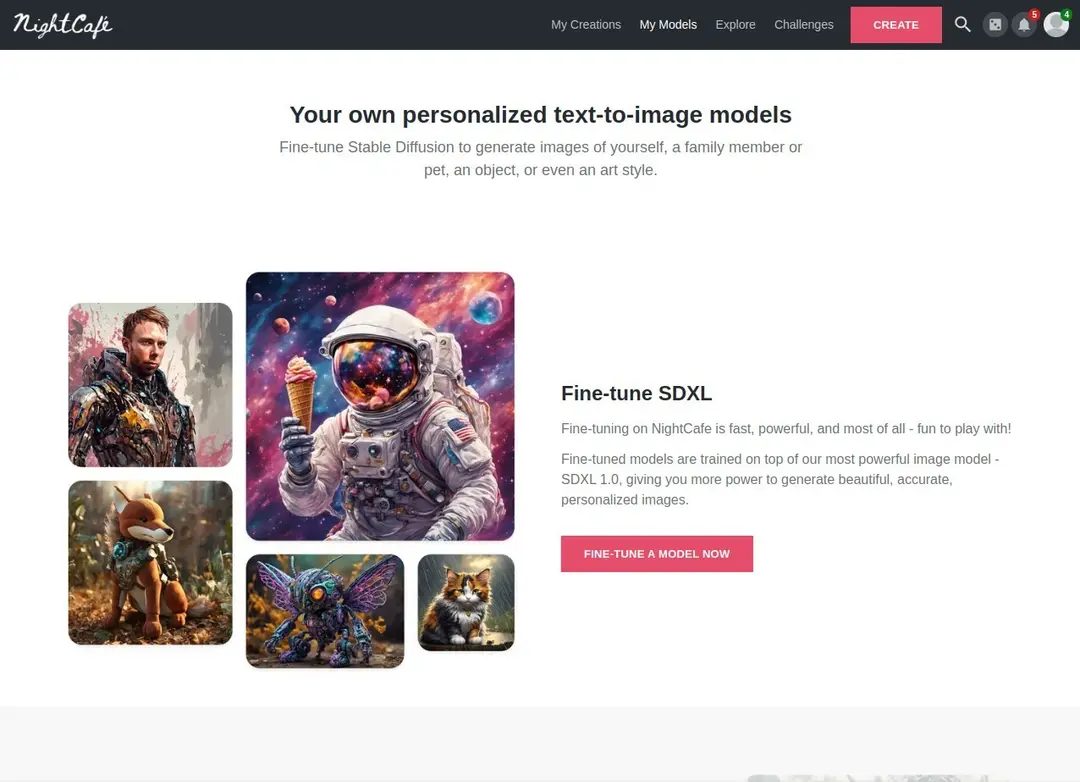
The core mechanism is simple. You provide input. The model produces results. However, the input is flexible.
Enables input of prompts. A detailed description of what you want to see. Or you can choose from existing art styles. The platform supports large artificial intelligence models. This also includes stable diffusion. Includes DALL-E. The choice of model affects the “atmosphere” of the image. Some models excel at photorealism. Some lean towards a painterly aesthetic.
In addition to text prompts, there are also controls. Resolution settings. Adjusting your style. color palette. Level of detail. These are more than just sliders. These are levers that change the way the AI interprets requests.
This platform allows for experimentation. You can upload a photo to use as a style reference. You can mix multiple prompts. This is an iterative process. you create. You are the one who adjusts it. It will spawn again.
This ease of use is key. Lower barriers to entry. You don’t need to know what the “guideline” is to make something that looks cool. Interfaces handle complexity.
Social Aspects of Artificial Intelligence Art
This is what sets NightCafe apart from independent generators. Built to share.
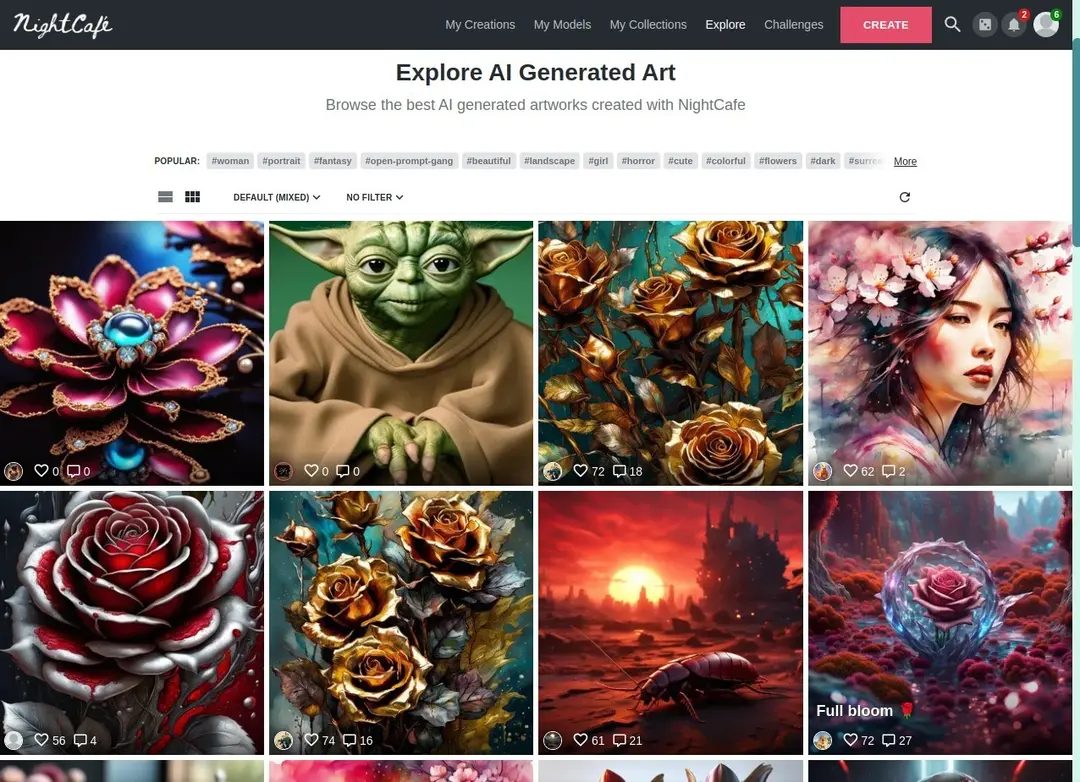
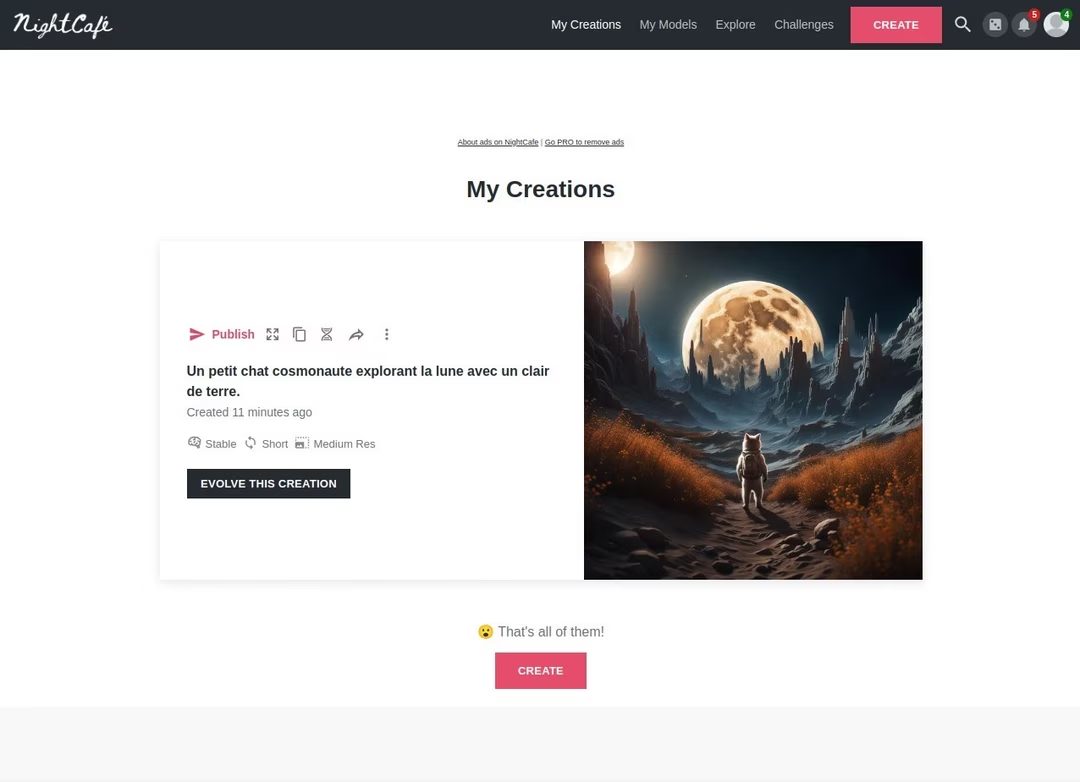
Any images you create can be published to your community feed. Other users can react to this. comment. Please remix. There are structured tasks. The topics change every week. This gamifies the whole process. Encourage users to push their limits.
The social layer creates a feedback loop. You know what works. You see things that aren’t there. Learn by watching others. It is a learning environment disguised as a gallery.
Who uses this platform?
It doesn’t apply to everyone. If you need offline functionality. If you need full control over all your pixels without an internet connection. This is not for you.
However, it is intended for casual authors. Marketing person. beginner. This is ideal.
A free tier is available. You can start creating images immediately after registration. There is no steep learning curve. The user interface is very intuitive. The results are often impressive.
The trade-off is that you have to stay connected to the Internet. You depend on their server. And you end up following their version of reality. The development of the platform continues. Features change. Old versions no longer exist. When a feature is disabled, this feature will also be disabled. It cannot be rolled back.
But that’s the nature of cloud services. This is useful for consistency. Get the latest technology. The old technology is no longer available.
I enjoy the community. These tools retain their functionality. Growth continues due to easy access.
This is just a browser tab. But this is powerful.

Analyze the pricing structure of NightCafe Creator
Earn points when you register. That’s the ticket. The system is simple, but there is a hierarchy. Each generation or “job” consumes a certain amount of resources. Costs vary depending on your choice. Do you want to choose stable diffusion? The price is different from DALL-E. Need a higher resolution? It’s more expensive. Complex rendering? Expect to pay more credits.
If you run out of free points, you have other options. You can wait until it resets every day. The platform updates your pocket money regularly. Or you can buy more. You can buy a points package for a few euros. Or you can skip the hassle and order.
Monthly subscriptions offer higher credit amounts. You also get privileged access to new AI innovations. No trial period is required. The free tier is permanent. It’s subject to a quota, but it never expires. This setting allows for risk-free exploration. You don’t need to invest money to test the waters.
Does NightCafe Creator have student discounts or educational licenses?
Check carefully if you want a student discount. It doesn’t exist. Currently, there are no special teaching licenses for teachers or students. There is also no free version specifically aimed at higher education institutions. The standard freemium model is suitable for everyone.
However, the daily return of credit information enables basic use without payment. That’s enough to get you started. It’s good enough for testing AI functionality in the classroom or for personal hobby projects. You don’t need to spend money to learn the ropes.
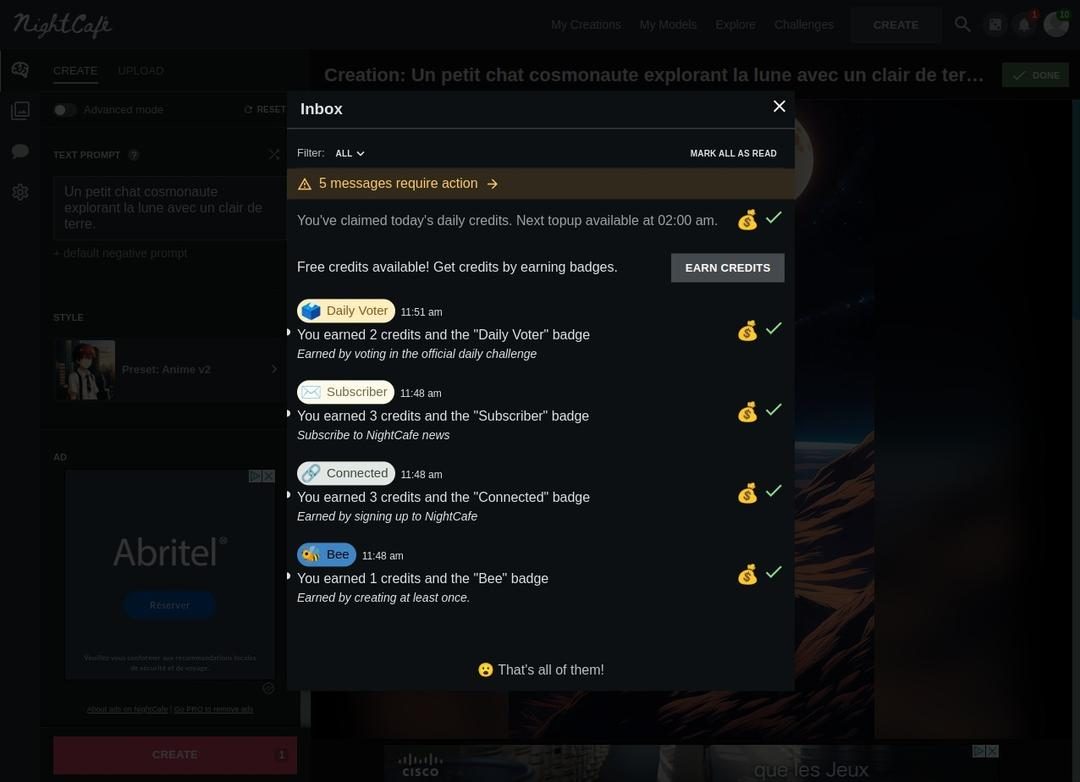
Commitment can also offset costs. Platform reward activities. Submit your work. Comment on other people’s photos. Participate in community challenges. You can earn bonus points this way. NightCafe Creator values responsible use and community participation. Active members often find that their credit limits are reduced through these organic interactions.
Comparison of NightCafe Creator with other AI tools
NightCafe Creator has broad goals. creative young people. Digital artist. Graphic scientist. The teachers. A curious beginner. The user interface is very intuitive. The focus is on prompts. Describe your vision in a few sentences. The image will appear in seconds or minutes. It captures the essence of your request. No advanced graphic design skills required. This simplicity makes AI accessible. There is no steep learning curve. There is no comprehensive software training.
Compare this to traditional software. These tools often limit your artistic style. Requires technical expertise. NightCafe Creator translates the script. Prioritize creativity over technical expertise.
Who are the competitors? Dahl-E. Midway. Cultivator of art. Everyone has their own engine. Each has its own unique rendering characteristics. The difference is the style selection. You are free to modify or combine works. There is an active community. and access model. Some solutions require installation. For example, Midjourney works primarily on Discord. NightCafe Creator is purely web-based. This makes it easy to share and manage widely. Remove barriers to Software downloads and external platform requirements.
Community support and learning resources
uyelgizx27qbtntwed1s

How to use NightCafe Creator without installing it
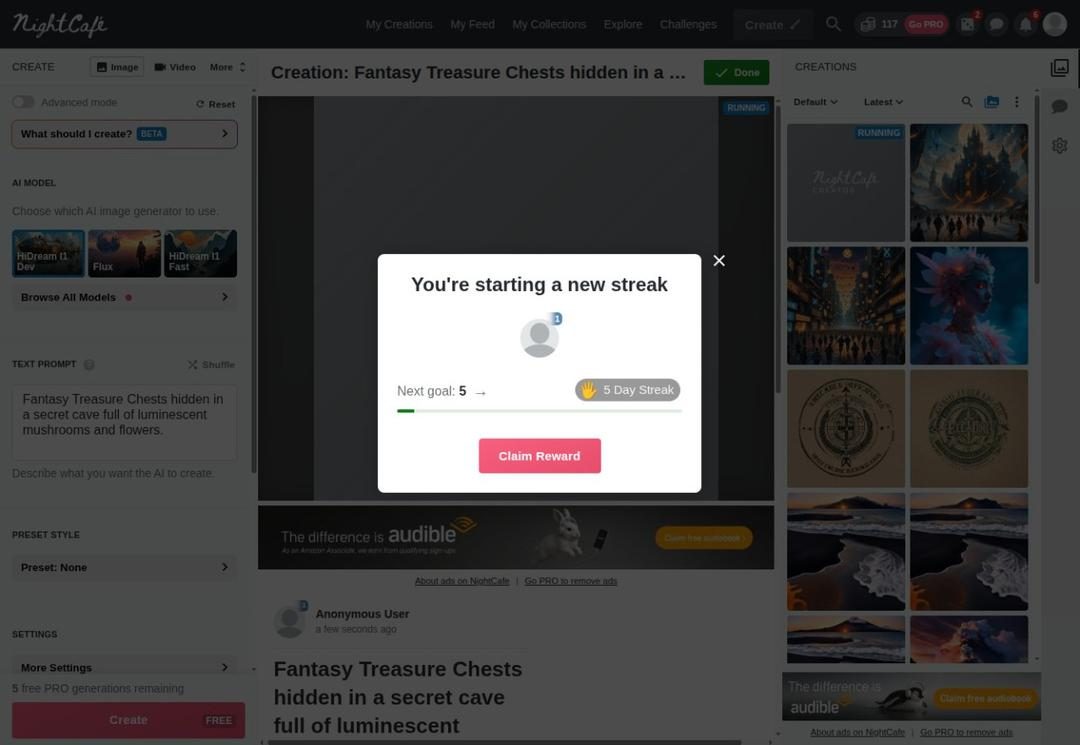
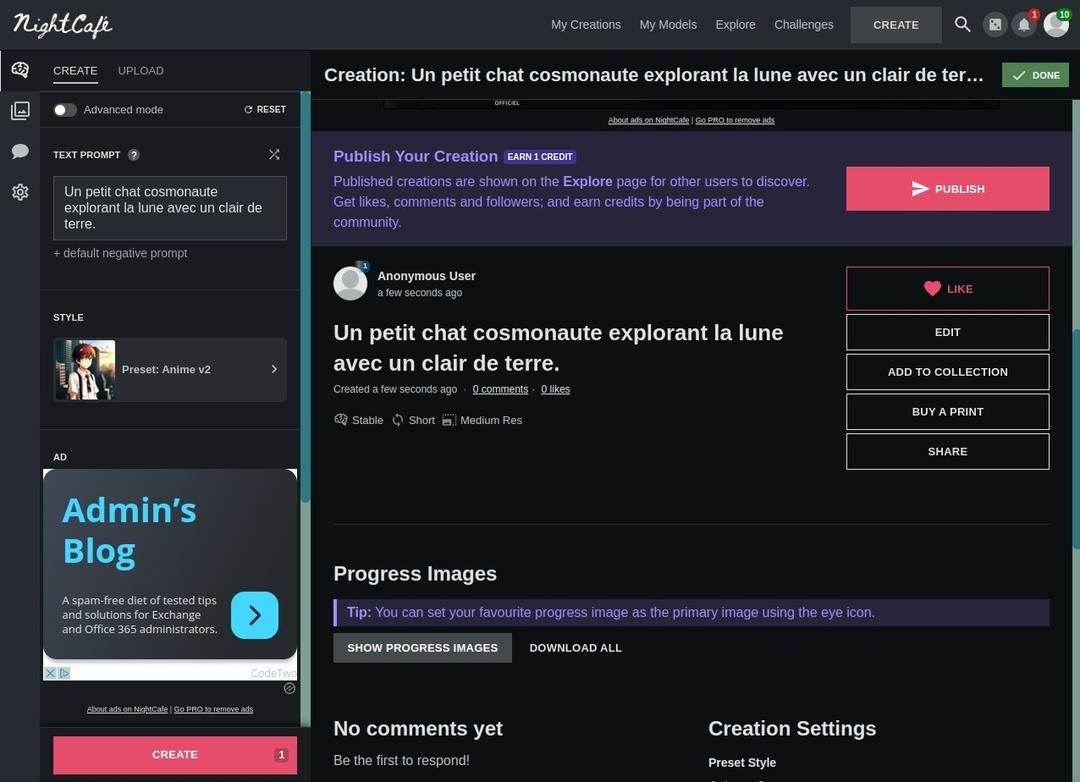
You don’t need to download any software to use NightCafe Creator. This is a purely online platform. Open in browser. Available for Windows, macOS, Linux, Android and iOS. This cloud approach means you don’t have to manage updates. Your work is stored securely on our servers. Once you’re signed in, you can access it from any device.
The service works on a freemium model. Earn platform credits. You can write hints in French or other languages. You can download a splash screen. AI uses this to achieve results. Export in JPG or PNG format. On mobile devices, you can add it to your home screen. It works like a progressive web application (PWA). It feels like a native app.
“To download NightCafe Creator, open the official website and login.”
Specifications and compatibility
The service is maintained by NightCafe Studio. It is a SaaS product. No installation required. Depends on a stable internet connection. Processing takes place on a remote server. The user interface is mainly in English. However, hints can be in any language.
Main System Requirements:
- Operating System: Windows, macOS, Linux, Android, iOS.
- Browser: Chrome, Firefox, Safari, Edge (latest version).
- Internet: Mandatory. Cannot work offline.
- Input format: Text prompt or reference image (JPG/PNG).
- Output format: JPG and PNG. The availability depends on your credit balance.
Creation methods include converting from text to image and from image to image. Use different AI models. The specific list is updated regularly. This platform also supports style changes.
Pricing and support options
The pricing strategy is credit-based. You can buy points. You can purchase. Credits can be renewed. This enables flexible use.
Support is provided through three main channels: There is online documentation. There is an FAQ section. Community forums host challenges. Users share tips there.
If you ask how to Download NightCafe Creator for offline use, the answer is simple. You can’t. The architecture is purely web-based. Requires a modern browser. Requires a reliable connection. that’s it. The experience is consistent across devices. Your history follows you. Local data is not lost if your computer crashes. The trade-off is connection dependency. But for many people, the convenience outweighs the risks.
The hidden costs of “free” productivity tools
Most people don’t realize that they are renting their workflow. The subscription model is more than just a payment structure. This is the point. Of course, you’re trading upfront capital for continued flexibility. But this flexibility comes with a silent toll. Data portability.
When you build your life inside an ecosystem, leaving it feels like dismantling. It’s not just about deleting your account. We have to rebuild our own history. your connection. your memories. This is design friction.
Why vendor lock-in doesn’t just hurt your wallet
Think about your photo library. Or a contact list. These are not just documents. They are digital objects. Transferring terabytes of uncompressed raw files is trivial. Want to transfer metadata? This is a nightmare.
EXIF data is often deleted or corrupted during batch export from closed platforms. Timestamps may change. You can clear location tags. Losing context. When the platform disappears, so do the stories behind the images.
This has nothing to do with prejudice. It’s about durability. Cloud servers may disappear. Conditions can change overnight. Companies can go from “community driven” to “profit maximizing” in a single financial report. Your information is collateral.
Escape: Local software
There is a movement that is gaining momentum. This is called Local First Software. The premise is simple. The information is saved on your computer. Not on the remote server. It is not a data center located in Singapore. It’s on your hard drive.
Applications use conflict-free replication data types (CRDTs) to synchronize device changes. Edit the document on your laptop. Edit the same document on your tablet. Mathematical guarantees is integrated. A central server is not needed to mediate disputes.
This approach solves the latency problem. It also eliminates single points of failure. What happens if the internet goes down? You keep working. What happens if the company goes bankrupt? Your data is still there. This is just a folder.
Auditing digital dependencies
Start small. See the tools you use the most. Q: Can I export data in a standard format? CSV? JSON? PDF? Or does it spit out its own BLOB that only new apps can read?
If the answer is the latter, you are in high-risk territory. Start the transfer. Not all at once. It’s overwhelming. Select a pillar.
- Password : Switch to an open source manager like Bitwarden. The repository is locally encrypted. The server is just a synchronization pipe.
- Note : replace Obsidian or Logseq. document format. plain text. they last forever.
- Email : own your own domain. Use a self-hosted solution or a service provider that allows full IMAP/SMTP access without high fees.
The reality of open source and big tech
Open source does not mean free. It means transparent. You can see the code. You can audit it. You can fork. Big Tech products are black boxes. I use it because it’s convenient. Comfort is a trap.
When you choose open protocols (CalDAV, CardDAV, ActivityPub ), you buy interoperability. The calendar can be connected to your phone’s original application. Contact information can be synchronized between different platforms. You maintain your independence.
It’s not sexy. It’s not a fad. But it is durable.


