Walk into any office building from a decade ago. See what you will. Open laptops balanced on forearms. People strutting down hallways, trapped by blinking cursor lights.
They weren’t actually typing. Not really. Just afraid to shut the lid. To kill the momentum. It looked goofy, sure. But there was a logic to the anxiety. Restarting is painful. Stopping feels like failing.
Now, developers do the same thing with AI agents. They keep MacBooks propped on restaurant tables, elbows digging into strangers at cafes, phones tethered via hotspot. Just so the code doesn’t stop compiling. Just to keep the Wi-Fi signal alive.
A new rhythm for collaboration is emerging
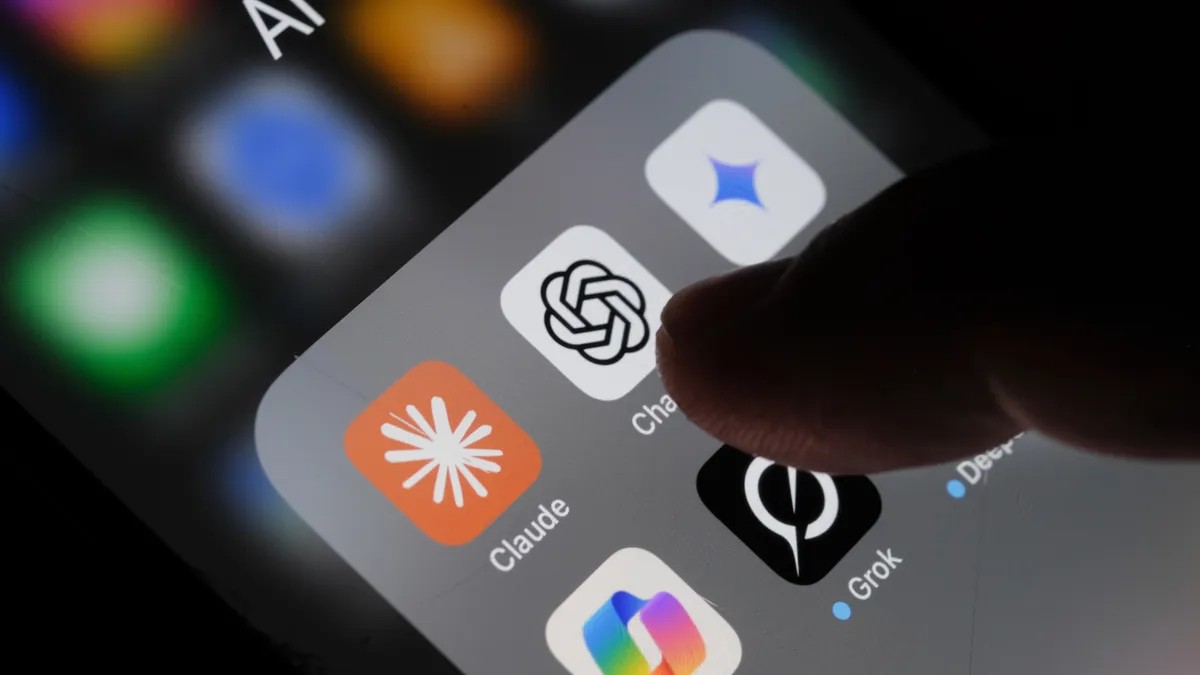
OpenAI is breaking the leash. They are rolling out a preview feature this week. Codex —the heavy-hitter coding assistant that usually lives on desktops—now runs inside the ChatG mobile app. iOS and Android. Every plan level, even Free and Go.
You leave the laptop at home. You take the phone.
The pitch is simple. You don’t need to hover. You can review what Codex finds, change direction, approve the next step, or throw a wild idea at the machine from wherever you are.
You need to be able to easily… change direction
Support for Windows machines running the backend isn’t ready yet. Coming soon, though. To get in now, update the app. Make sure the Codex agent is live on your Mac.
Anthropic’s Claude Code and SST’s OpenCode exist too. These tools let humans write code, run tests, squash bugs. Agents do in hours what senior devs might take days to tackle.
Speed has a cost, though.
AI agents hallucinate. They write elegant, wrong code. They introduce security flaws that require actual humans to catch and scrub away. It’s far from foolproof. But more than four million people use Codex weekly anyway.
Why was nobody checking in?
Some devs told Business Insider they’d rather sit in traffic with an open laptop than miss a prompt from their agent. OpenAI noticed the absurdity. They made a TikTok mocking the very behavior their new feature aims to solve.
Now, you connect to the machine—whether it’s a desktop at home or a Mac Mini humming in a closet. The mobile app pulls the live state. You see the terminal outputs. You see screenshots.
You approve commands.
Security holds. Credentials, permissions, files? They stay on the source machine. OpenAI says the system uses a secure relay, not an exposed public IP.
Imagine being at the grocery store. Codex flags a bug. The agent diagnoses it. Starts a fix. You don’t care, unless it asks you something.
Picture this: you’re mid-conversation at a coffee shop. A decision hangs in the balance. The code waits. You pull out your phone, check the status, give the thumbs up.
Maybe you’re at the gym. Squat rack. Heavy breathing. A sudden idea hits.
You don’t drop the bar to open a laptop. You tap your screen. Send the thought to Codex. The machine wakes up, processes the logic, and starts writing code while you wipe your sweat.
It’s unblocking the workflow. It’s staying close to the result.
Whether it saves you time or just saves you the back strain of carrying a MacBook Pro into yoga class is still up for debate. The laptop is gone. The responsibility remains.