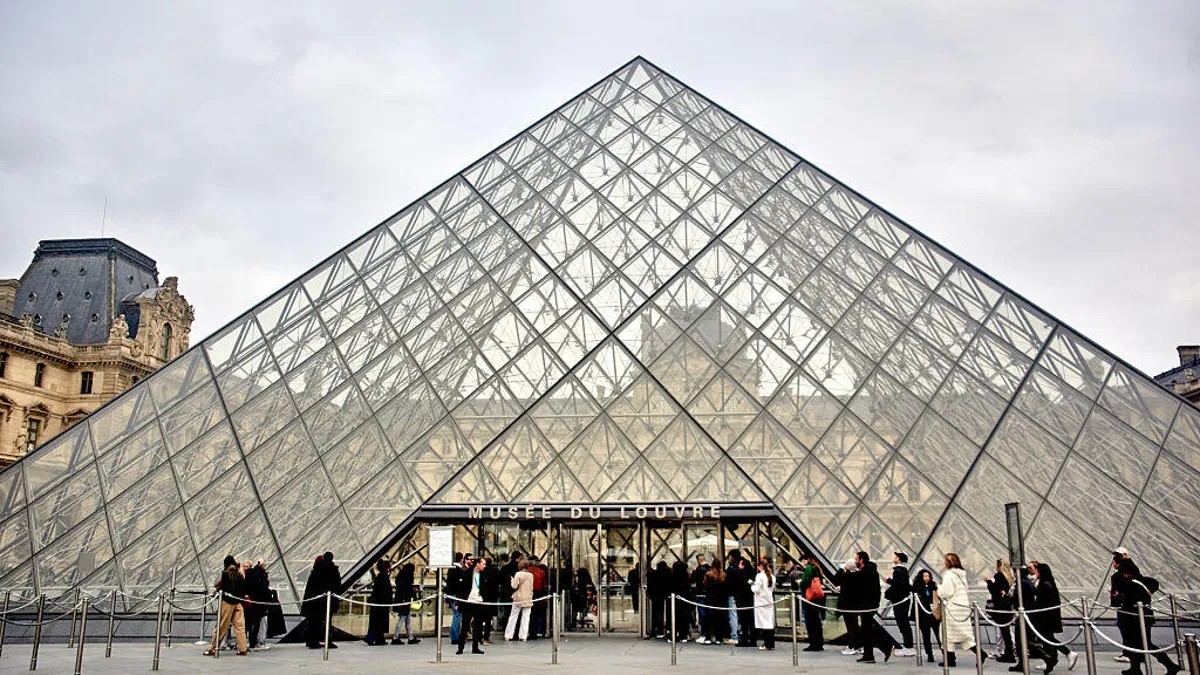
The recent theft of over $100 million in jewels from the Louvre Museum in Paris has exposed not just vulnerabilities in physical security but also shockingly weak cybersecurity practices. French police have made arrests, but the stolen items remain unrecovered, highlighting a systemic failure that extends beyond broken windows and unguarded rooftops. The incident serves as a stark reminder: poor digital security can be as damaging as physical breaches.
The Louvre’s Shockingly Basic Mistakes
A 2014-2015 audit by France’s cybersecurity agency, ANSSI, revealed the Louvre’s security infrastructure was riddled with flaws. One of the most glaring issues? The museum used “Louvre” as a video surveillance password. Another login required only “Thales,” the name of the software developer—likely visible on the login screen itself. These mistakes aren’t just careless; they illustrate a fundamental disregard for basic cybersecurity hygiene.
The museum also operated outdated software, including Windows Server 2003, which lost Microsoft support over a decade ago. This means no security updates were applied, making the system an easy target for known exploits. The audit also flagged unguarded rooftop access, which thieves exploited by using a truck-mounted ladder to reach a balcony and cut through glass.
Why This Matters: A Wake-Up Call for Everyone
The Louvre’s case isn’t just about a single museum. It demonstrates how institutions, even high-profile ones, can fail spectacularly at digital security. The problem isn’t just outdated software or weak passwords; it’s a culture of complacency. If one of the world’s most famous museums can fall for such elementary errors, anyone can.
This is especially relevant now as online shopping increases during the holidays, making individuals more vulnerable to phishing scams and data breaches. CNET’s recent survey found that almost half of Americans engage in risky password habits, including using birthdays (15%), pet names (14%), or personal identifiers (11%) in their passwords.
How to Improve Your Own Security
Protecting yourself requires effort, but it’s not complicated:
- Avoid Personal Information: Never use your name, birthdate, or family member’s names in your passwords.
- Strong Passwords: Combine uppercase and lowercase letters, numbers, and symbols.
- Update Regularly: Change passwords if a service you use experiences a data breach.
- Use a Password Manager: These tools generate and store strong, unique passwords securely.
- Physical Security: Extend digital security to devices like Wi-Fi routers and security systems.
The Louvre’s failures demonstrate that complacency comes at a steep price. In today’s world, your digital defenses are just as important as your physical ones. Ignoring this reality leaves you exposed to risks that can range from financial loss to identity theft.