


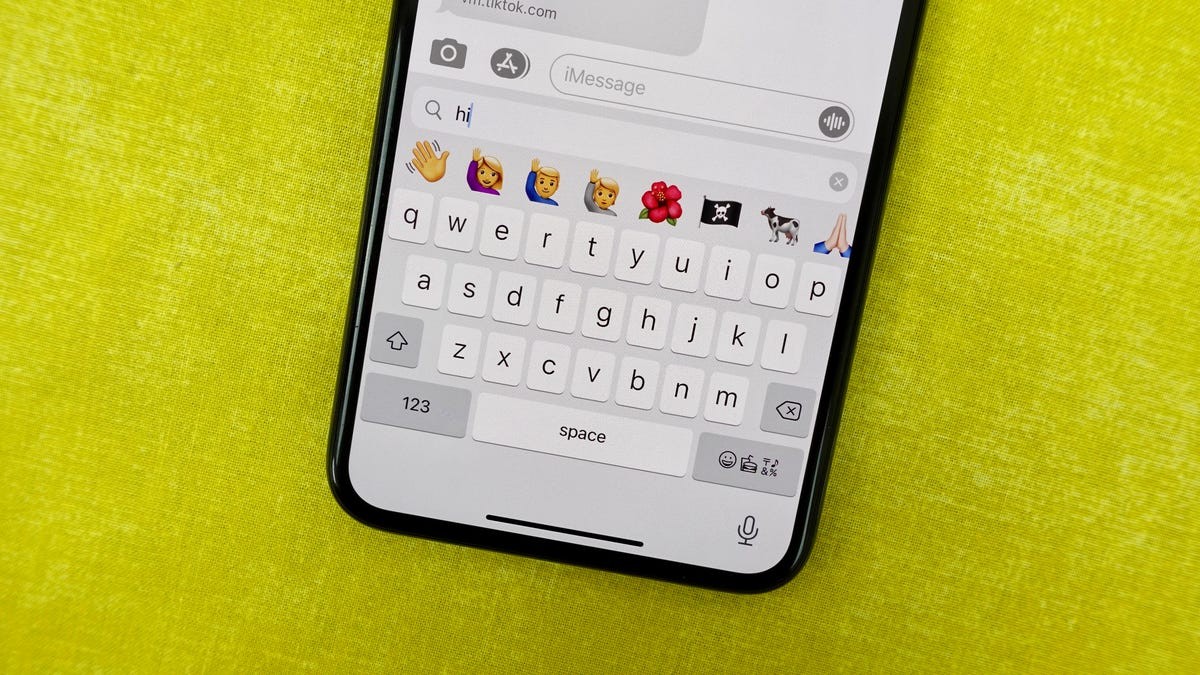
The iPhone keyboard is notorious for making cursor placement difficult. The standard method—tapping and holding for a magnifying bubble—often feels imprecise and clunky. However, iOS has a built-in, little-known solution: a hidden trackpad that makes cursor control effortless. This feature works on older iOS versions, including iOS 16, so nearly all iPhone users can take advantage of it.
How to Activate the Hidden Trackpad
Activating the secret trackpad is simple:
- Open any app where you can type. Bring up your keyboard and press and hold down the space bar. The keyboard will briefly disappear, and you’ll feel haptic feedback as the cursor enlarges. This confirms the trackpad mode is active.
- While still holding down the space bar, slide your finger across the entire keyboard to move the cursor. The keyboard surface now functions like a trackpad on a Mac or laptop.
- Lift your finger to drop the cursor at the desired location. You can then proceed with editing, deleting, or typing as usual. Repeat step 1 to re-activate the trackpad whenever needed.
Why This Matters
The hidden trackpad is a game-changer for anyone who types frequently on their iPhone. It eliminates frustration with inaccurate cursor placement and improves typing speed and accuracy. The fact that this feature has remained relatively unknown highlights how iOS often hides powerful functionality within its default settings. This also raises the question of why Apple doesn’t promote this usability improvement more widely.
For users who spend a significant amount of time composing emails, writing notes, or editing documents on their iPhones, the hidden trackpad is an essential tool. Mastering this technique will make mobile typing smoother and more efficient.


