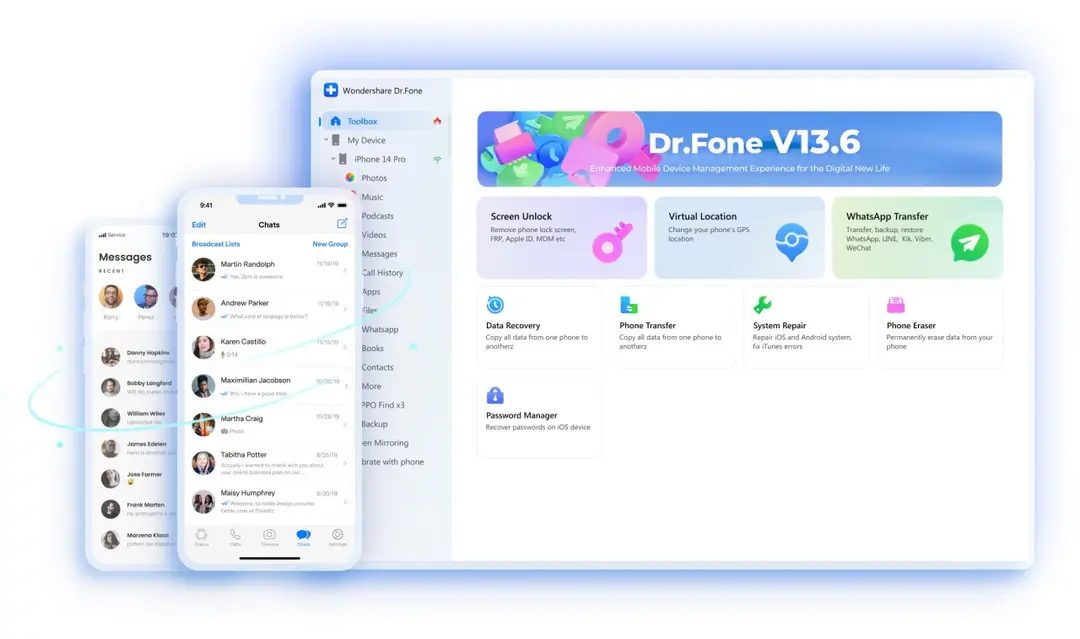
Wondershare created Dr.Fone as a Swiss army knife to solve mobile headaches. This is more than just a backup tool. It is an integrated software package designed to repair, transfer and restore data on iOS and Android devices. If you’re staring at a black screen or find yourself deleting three years worth of photos, this software aims to be the solution.
The appeal is clear. Instead of having to buy five different contacts, photos, and system repair apps, there’s only one interface. Handles diagnostics, repairs, transfers and backups. Works with iPhone, iPad and almost all Android smartphones, both new and old.
Why Dr.Fone is important for data security
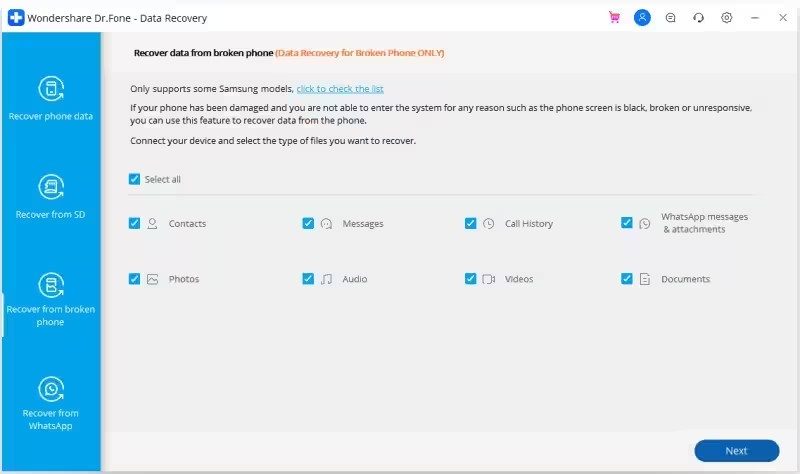
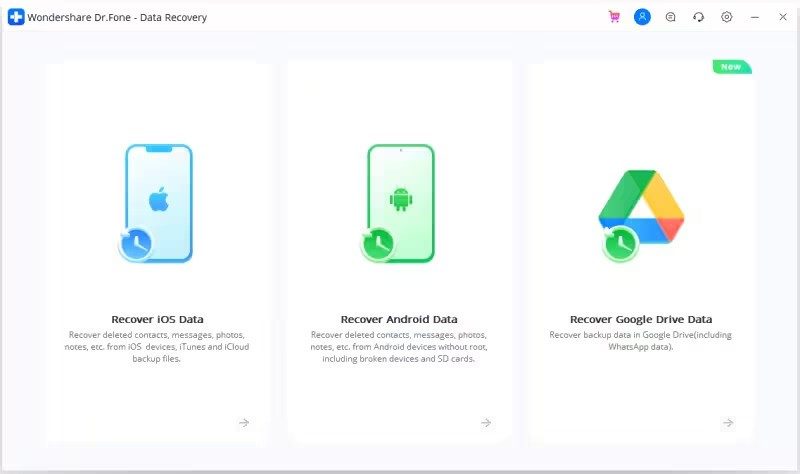
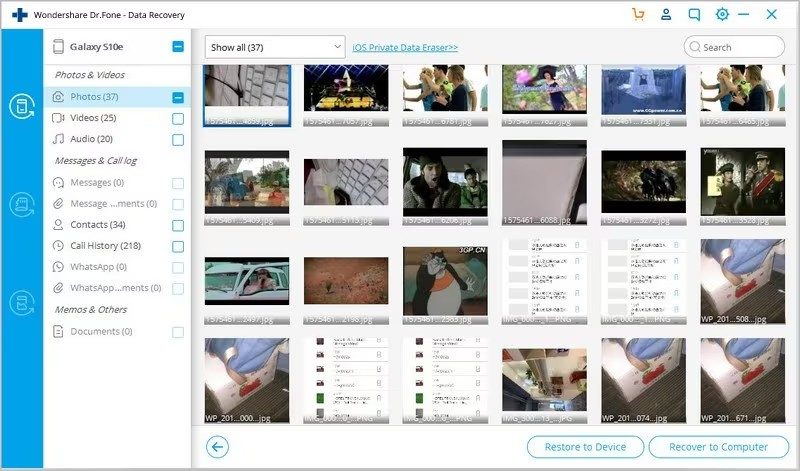
People use Dr.Fone for specific and often scary reasons. They need to recover photos that they accidentally deleted. They want to retrieve lost messages. They have to restore contacts after a hard reset. This software also allows you to explore video and audio attachments hidden in the system cache.
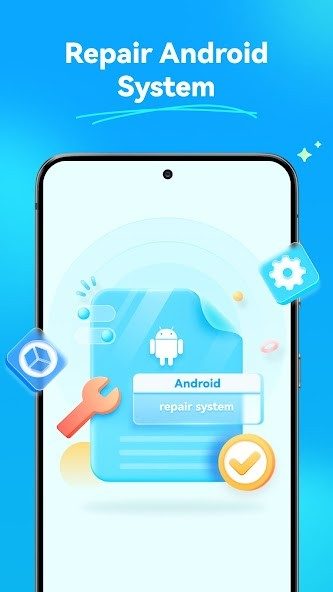
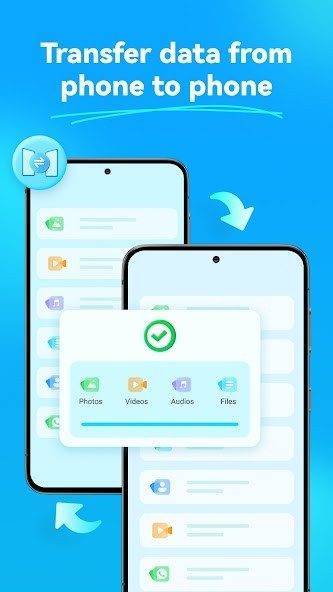
But this is more than recovery. Easily transfer data between different platforms. Does your phone need to be wiped before selling? Dr.Fone provides a safe and permanent removal tool. Is your device stuck in a boot loop or unable to sync? This software includes utilities to repair the operating system without losing data.
Privacy is a big selling point. When you connect your device, your content stays local. During this process, there is no risk of your personal photos or messages being leaked to the cloud server. The user interface guides you step by step. You can select specific modules, such as WhatsApp transfer or screen unlock, without having to install the entire bulky suite.
Installation and compatibility information
Running the software is easy. Wondershare offers official installers directly from its website. Supports major desktop operating systems.
Windows users can use the program from Windows XP to Windows 11. Mac users are no exception. This software supports macOS version 10.8 up to the latest version. However, Linux users are on their own. There is no native Linux version. You need to use virtualization or find an alternative.
Installation follows standard procedures. Download the file, accept the terms, select the installation location and launch it. One caveat: An active Internet connection is required during initial activation. The software validates your license key and checks for updates.
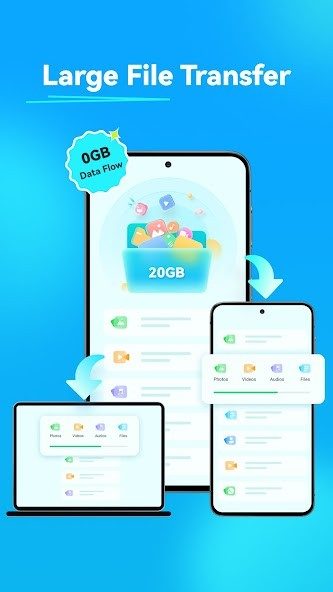
On the mobile side, Dr.Fone works through a companion app to facilitate file transfer and contact management. The connection method is important. While there are wireless options, a physical USB cable is the most stable and fastest route. This is especially true when you are working with large amounts of data or performing risky system repairs.
Regular updates make the software compatible with new devices. As Apple and Google release new versions of iOS and Android, Wondershare pushes updates to ensure these tools continue to work. Overall, hardware compatibility is excellent.
The question remains whether one tool can really replace specialized utilities for every user. For most people facing cell phone damage or data loss, an all-in-one approach saves time and reduces confusion. However, for experienced users with special needs, generic tools can be limiting. In any case, equipping your smartphone with a digital safety net is no longer an option.
Wondershare won’t leave you confused when it comes to pricing. The Dr.Fone solution is not a single product with a single price tag. Can be expanded. You get modular options depending on your application. amateur? Sometimes you just need data recovery. Are you the IT manager of your company? You may need a complete fleet management package.
There is a free trial version. Don’t expect full access. You can run a preliminary scan. You can preview deleted files. It is a trial. If you want actual recovery, if you want to unlock the whole toolkit, you need a license. The cost is determined by two factors: the modules you choose and the time you invest.
How Dr.Fone’s pricing structure works
These numbers are simple, but they change. A full license typically costs 59.95–99.95 euros. This selection reflects the difference between buying specific modules and buying the whole set. You can pay monthly. Annual plans are also available. If you don’t want a subscription, a lifetime option is also available.
Upgrades are included in this price. Subscribe to get the latest version. This is important. Mobile operating systems are constantly changing. Updates sent to iOS and Android break old tools. Dr.Fone maintains compatibility. Security patches are also delivered sequentially. You’re not just paying for the software. We pay the price for continuity.
Neither students nor teachers are ignored. Wondershare offers discounts on educational environments. You must show ID. Proof of status. If you are in a school environment, check these codes. There is no open source version. There is no completely free and unlimited version. The demo is rich, but it’s still a demo. Use it to judge the interface. Test speed. Before swiping, make sure it fits your workflow.
Manage versions and compatibility
Technology develops rapidly. Sometimes new doesn’t mean better. Maybe the latest update broke a certain feature you were relying on. Alternatively, the license key is valid for new installations. Wondershare knows this. They maintain an archive of older versions of Dr.Fone. You can’t just grab them from the main download page. You need to contact support.
You can also force updates manually through the user interface. Why? Get support for new file formats. Fix the error. To ensure stability. This type of control is rare in consumer software. Most apps force your hand. Now you have a choice. It stabilizes the environment. This prevents you from being stuck with an outdated version, but still gets the security fixes you need.
Professional applications and training
This doesn’t just apply to consumers who accidentally delete their wedding photos. Dr. Fone has a serious side. IT technicians use it. Customer support teams use it. Business fleet managers rely on this. If you deal with mobile devices, this tool sits in your arsenal.
Wondershare supports this professional use with training. There is a tutorial. Webinar. A step-by-step guide. they cover everything. Bypass the lock screen. Clone your data. Automatic backup strategy. The documentation is very detailed. This is more than just a PDF guide. Active learning materials.
Some partners and universities offer special courses. These are not official Wondershare certifications. Not yet. However, the training is very strict. It has weight. By completing these courses, you can prove that you understand the ecosystem. Companies that implement Dr.Fone in their fleets can use this training to standardize their operations. It also helps with compliance. GDPR requires strict data processing. Proper training ensures you don’t mess up.
The combination of powerful features and training support makes Dr.Fone versatile. It forms a bridge between ordinary users and professionals. You don’t need to be an expert to get started. But you can be one too. The tools are there. The knowledge base is constantly growing. The question is: are you ready to take control of your data, or are you just ready to deal with data loss?
System requirements and compatibility information
You don’t need a server room to use Dr.Fone. Wondershare has designed this set of tools to run comfortably on a standard desktop computer. This software is available if your computer is running Windows XP – 11 (32-bit or 64-bit) or macOS 10.8 or later. The software automatically detects iOS and Android devices when connected via USB.
Stability favors a wired connection. Although some features may use Wi-Fi, using a data cable reduces the risk of packet loss during large data transfers. You must have administrator rights on your computer to install the main package. This is not just a formal requirement. This tool requires deep system access to handle low-level repairs and data extraction.
Connecting to the device
The magic happens in the permissions. Android devices require developer mode and access to ADB (Android Debug Bridge). This tells the system that you trust your computer to read the file structure. iPhones and iPads are even trickier. Depending on what you’re trying to do, you may need to boot into recovery mode or DFU (firmware update) mode. These are deeper modes where the normal operating system of the device is bypassed.
The software handles the transitions. Once your device is connected, the app will recognize it and guide you through the necessary steps. It’s not always seamless. In some cases, you may need to hold down certain key combinations. However, the user interface guides you through the process.
What can you actually return or transfer?
This is more than just a backup tool. It’s the Swiss Army Knife of mobile data. Supported data types are extensive. Photos and videos are the big ones. The same applies to messages, contacts and call logs. You can also extract documents and attachments.
These modules cover a wide range of use cases.
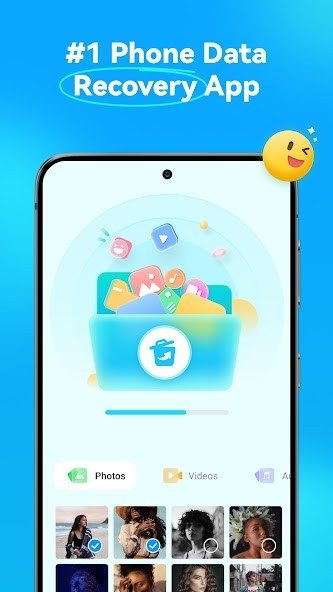
– Data Recovery: Find deleted files.
– Transfer: Transfer data between devices.
– Backup and Restore: Create a complete copy.
– System Fix: Fix boot loops and crashes.
– Secure Erase: Deletes data and makes it impossible to recover.
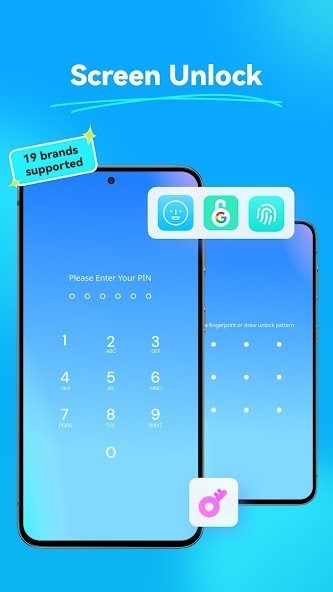
– Unlock: Handles screen lock and carrier lock.
– WhatsApp Management: Especially for social apps data.
Check license and support status
Dr.Fone is a proprietary software. Wondershare offers a free trial, but you have to pay for the modules you really need for serious tasks. This is standard for this niche. The installer can be downloaded directly from the Wondershare website.
Internet is required to activate and renew the license. While some local activities can be done offline, you won’t stay up-to-date without a connection. If you encounter any problems, support is available in the form of step-by-step guides and a ticket system. This is not live chat support. You should use the documentation as a safety net and do the heavy lifting yourself.
Ecosystems are designed with heterogeneity in mind. It doesn’t matter if you have a Samsung tablet or an iPhone 15. You just need the right permissions and a stable cable. Once these are in place, the software does the rest. Mostly.
The hidden costs of convenience
Most users don’t think about what happens when they click Send. They assume that the cloud is just magical ink that appears at the other end. That’s not it. This is often a server farm owned by a competitor that processes your data in ways you never agreed to. The real problem with modern cloud storage isn’t storage space. It’s access.
You give away your photos, your documents, the metadata of your life. In return, you get synchronization. A nice convenience. But sync is not a backup. Synchronization is replication. When you delete a file from your phone, it also disappears from the server. If you accidentally overwrite the document, the old version will be lost. The cloud will not save you from yourself. It just makes your mistakes faster.
Who owns the data?
At this point, the terms of use come into effect. You skim them. You click “I accept”. With this click, companies get a license to your content. Not ownership. License. They can scan it. They can analyze it. They can use it to train AI models. Some providers claim this is “quality improvement”. It’s actually for product development.
Your data is not yours when it leaves your device. It’s a commodity.
This is important for jurisdiction. A file stored in a data center located in the United States is subject to the laws of the United States. For example, the Cloud Act allows the government to request this information. Even if the server is physically located in another country. The service provider must comply with this. Your privacy is secondary to the contractual obligation.
The illusion of security
Encryption helps. But who has the keys? If it’s a zero knowledge provider, you’re in the clear. If you lose your password, your data will be lost forever. No recovery. No help. It’s a cruel compromise. Safety for comfort.
Most mainstream services hold the keys. This makes recovery easier. This also means that they can decrypt your files for anyone with a warrant. Or a hacker. Or an insider threat. The history of data security breaches of major cloud service providers is long and varied. You trust the company to protect what you care about most. Do they have an incentive? Or just responsibility?
Where should you store what?
Not all information is equal. Your tax return? Maybe a local drive. Something you check once a year. Your wedding photos? Cloud. Multiple copies. Different service providers. Your daily work documents? Whichever platform your employer mandates. Stop fighting IT. They’ve already chosen the vendor.
The real danger is single points of failure. One provider. All your eggs. If that provider goes bankrupt. Or shuts down. Or changes its pricing model. You’re stuck. Migration is painful. Data loss is common. The 3-2-1 rule exists for a reason. Three copies. Two different media. One off-site. The cloud is only part of this equation. Not the whole solution.
The future is fragmented
We are moving towards a hybrid reality. Local storage for privacy. Cloud for accessibility. Edge computing for speed. The lines blur. But the core question remains. Who benefits from your information?
You don’t have to be paranoid. But you must be aware. Clicking “Agree” is not a neutral action. It is a transfer of power. Choose your service provider carefully. Check their security standards. Read the fine print