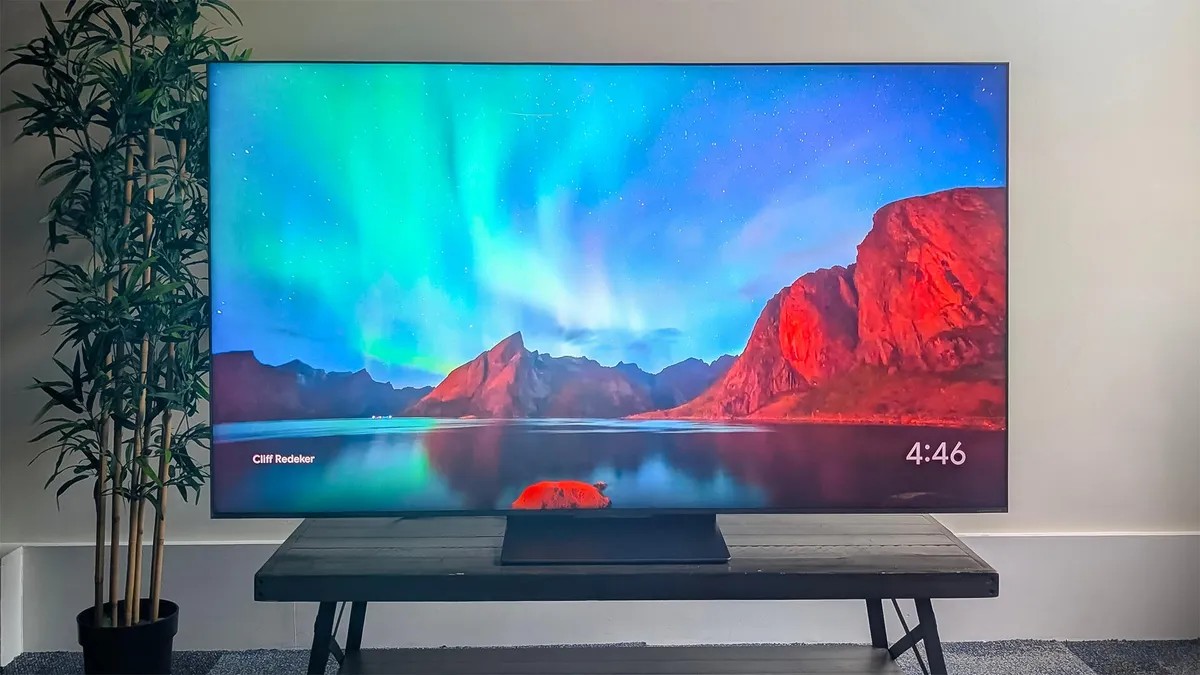
Modern TVs have a dirty little secret. The pictures? Breathtaking. The speakers? A disaster.
As screens got impossibly thin, engineers poured every resource into pixels. Audio took the hit. Speakers shrank. They weakened. They even point away from you now, for some reason. The result is stunning visuals paired with audio so weak you’ll strain to hear the main character speak while explosions sound like distant thunder.
Physics won’t save you. Tiny speakers cannot create cinema sound. But there is hope. Most of it costs zero dollars.
Digging Into The Settings
TV makers know we hate their speakers. That’s why they’ve buried audio fixes deep in menus. Find them.
Start with Sound Modes. Look for options named “Clear Voice,” “Speech,” or something equally obvious. These profiles adjust frequencies to favor human talk over background noise. If you don’t see a mode, check for Dialogue Enhancement or Speech Boost. Same goal, different name.
Still struggling? Check the EQ. This stands for Equalizer. It lets you tweak treble and bass. Here’s a counterintuitive tip: drop the bass. Raise the treble slightly. If there is a mid-range control, bump that up. Voices live in the mid-range. You might need to experiment, but moving away from “Flat” often helps. Sometimes turning everything down slightly boosts the relative clarity of speech, depending on how the engineer coded it. Weird, right?
What about that annoying volume whiplash? You cranked the TV for dialogue, then the commercials blast your eardrums? Turn on Automatic Volume Control or Dynamic Range Compression. It smoothes out the peaks and valleys. It can feel like the volume pulses, but consistency is usually better than getting ambushed by a beer ad.
Change The Source Signal
Your streaming stick might be fighting you. Devices like cable boxes or gaming consoles often default to Surround Sound output. They assume you have a home theater. You don’t. You have a $300 panel with two pathetic drivers.
Switch your source output to Stereo or PCM Stereo. This sends a simple two-channel mix. Sometimes, this forces a different audio mix from the source entirely—one optimized for speakers, not phantom surrounds. Dialogue often becomes clearer instantly.
Also, check the streaming app itself. Amazon Prime has a feature called “Dialogue Boost” right in its menu. It works.
Move The Stupid TV
This is the hard part. Most of you have bolted the TV into a cabinet or shoved it into a corner. Stop that.
TVs expect to sit near a flat wall. Sound needs to bounce. If the TV is enclosed in a shelf, sitting on an open stand with empty space behind it, or tucked into a corner, the audio dies. It gets muffled. It gets trapped.
If you can, pull the TV away from the wall—or move it closer. Find the sweet spot in your room.
If moving it is impossible, try freeing the sound from its wooden prison. Adjust the distance from the back wall. The acoustic footprint will change. It might get worse, but it could get better. It’s worth five minutes of effort.
When You’re Willing To Spend Cash
Did none of that help? Did you yell at your TV until you gave up? Here is where money enters the chat.
A soundbar is the easiest upgrade. Cheap ones sound drastically better than built-in TV speakers. Usually, you run one cable from the TV to the bar. Some come with wireless subs that go wherever you want. They transform the experience. Most even double as Bluetooth speakers for playlists when you’re not watching movies. It is the most bang for your buck.
Step it up further and you hit the realm of receivers and separate speakers. Bookshelf speakers. Maybe a full setup with seven channels. These beat soundbars every time. The immersion is real. But so is the cost and the cable management headache. It’s not plug-and-play.
There’s also the middle ground: soundbar systems with wireless surround satellites. Easy to set up, decent performance.
If dialogue drives you insane, one of these options is worth it. You’re paying for clarity, not just volume. And really, isn’t that what you actually wanted all along?
Your TV isn’t broken. It’s just… optimized for pixels. Now it’s time to fix the rest of the experience, or accept the muffled misery.
About the Author
Geoff covers audio and display tech when he isn’t on a photo tour of nuclear submarines, aircraft carriers, and medieval castles across the globe.